




• FRAMEWORK

Foundations

Layout Systems

Layout Systems

FO Framework uses a 12-column responsive grid system inspired by Bootstrap. It provides flexible containers, rows, and columns to build layouts for any screen size. The system is mobile-first and scales up using responsive breakpoints.

It is a layout type used for admin pages. There are three different navigation types.
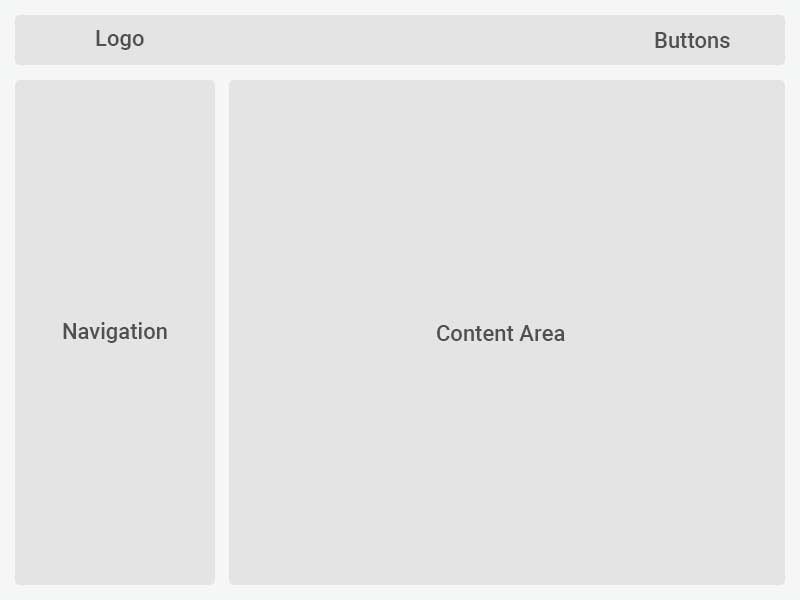
Admin with Sidebar Navigation

It is a layer where the routing menu is located on the left. In this layer, it is optional whether the left menu remains open or not. It becomes active when the mouse is hovered over or with the on/off button. With the sidebar-left-collapsed class that you add to the HTML tag, it can be kept closed all the time, and in the absence of this class, it can be made open all the time.
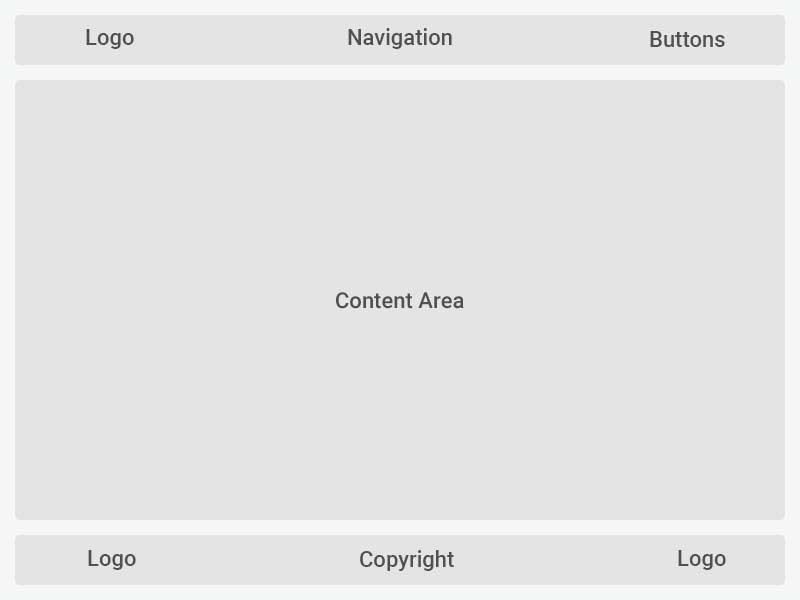
Admin with Top Navigation

It is a layer with the navigation menu at the top. There are three types of menu links. Normal menu link, dropdown menu link and mega menu link. Above are examples of uses.

Admin Without Navigation

It is a layer that does not have a routing menu.
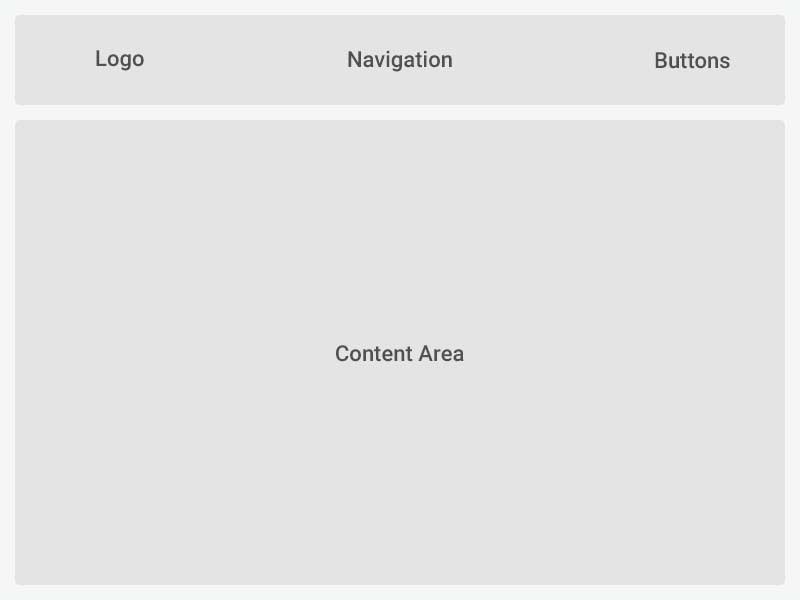
Multi Purpose

It is a layout type used for multi-purpose page designs.

Container Types

There are two types of containers available in FO Framework:

  • .container – Fixed-width container for centered layouts.
  • .container-fluid – Full-width container for edge-to-edge layouts.
Breakpoints

Responsive classes are prefixed by breakpoint names. Below are the supported breakpoints:

Breakpoint Prefix Min Width
Phone col-xs- ≥ 576px
Tablet col-sm- ≥ 576px
LapTop col-md- ≥ 768px
Monitor col-lg- ≥ 992px
Basic Grid Example

A simple 3-column layout:

Col 4
Col 4
Col 4
Responsive Grid Example

Responsive columns using different breakpoints:

Col 1
Col 2
Col 3
Col 4
Offset Example

Centering content with offset:

Centered
Best Practices
  • Always wrap columns inside row and container.
  • Use mobile-first classes and scale up with breakpoints.
  • Combine with spacing utilities (fo-m, fo-p) for consistent gaps.
  • Use container-fluid for full-width layouts.